
The workboard
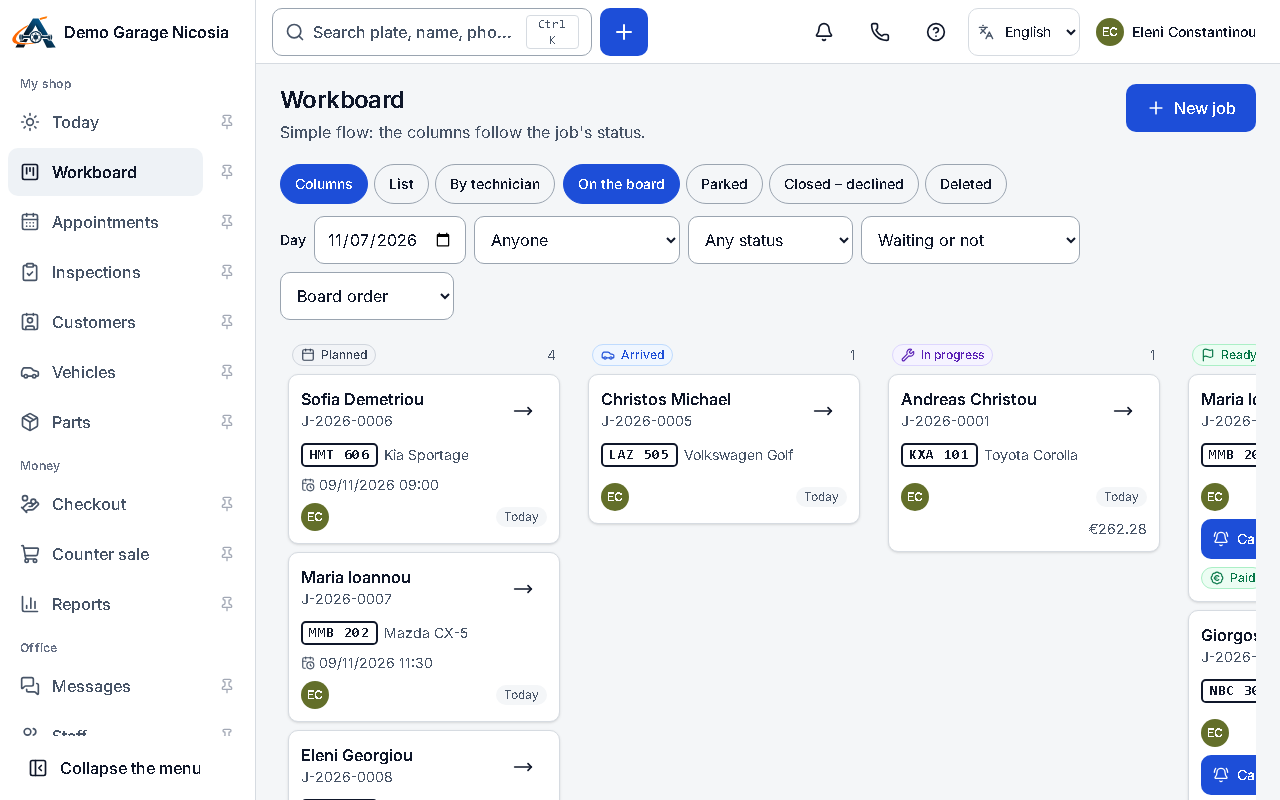
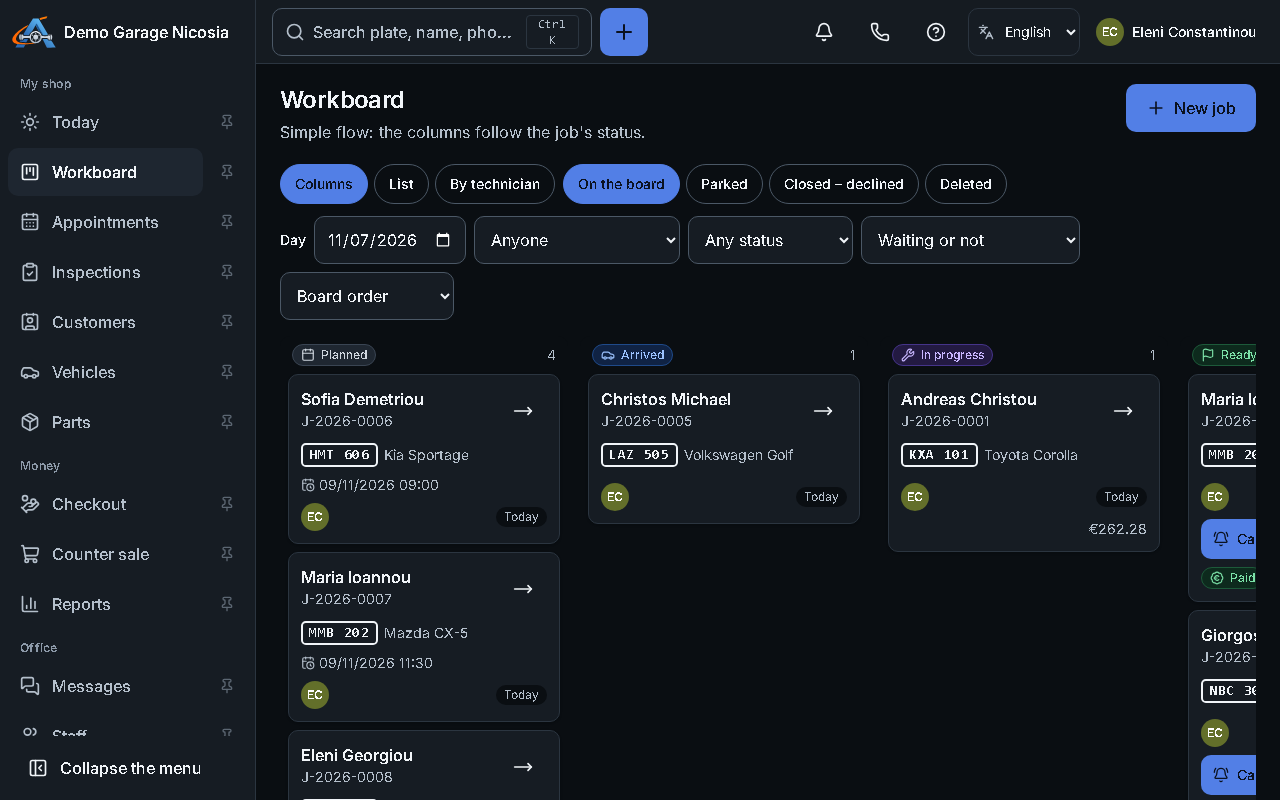
The workboard shows the jobs in columns by stage. Drag a card to move it on; everyone sees the change at once.
How to do it
Section titled “How to do it”- Open Workboard.
- Each card shows the car, the customer, the mechanic and how long the job has waited.
- Drag a card to the next column, or open it and change the stage.
- Filter by mechanic or by waiting reason (parts, approval) with the chips at the top.