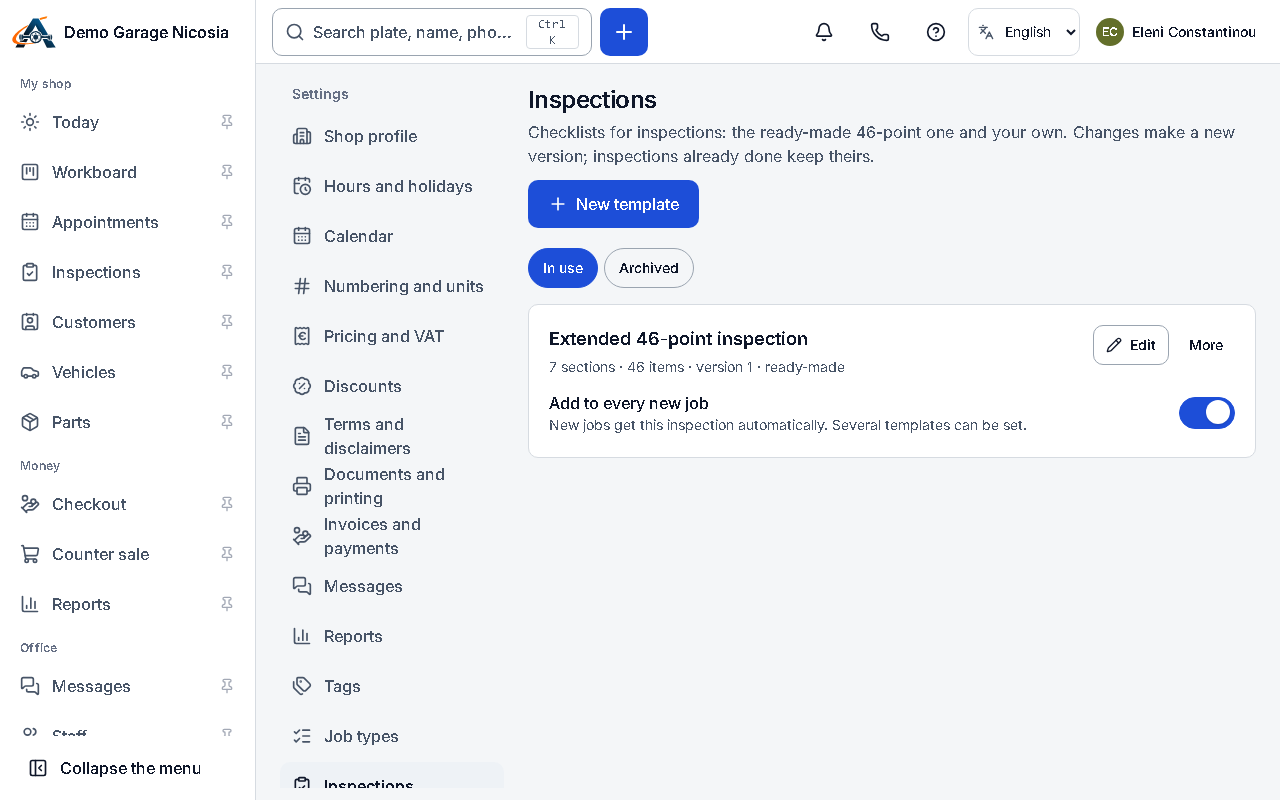

Your inspection checklist
Digital inspections use a checklist (a template). Start from a ready-made one and change it as you like; your copy is yours.
How to do it
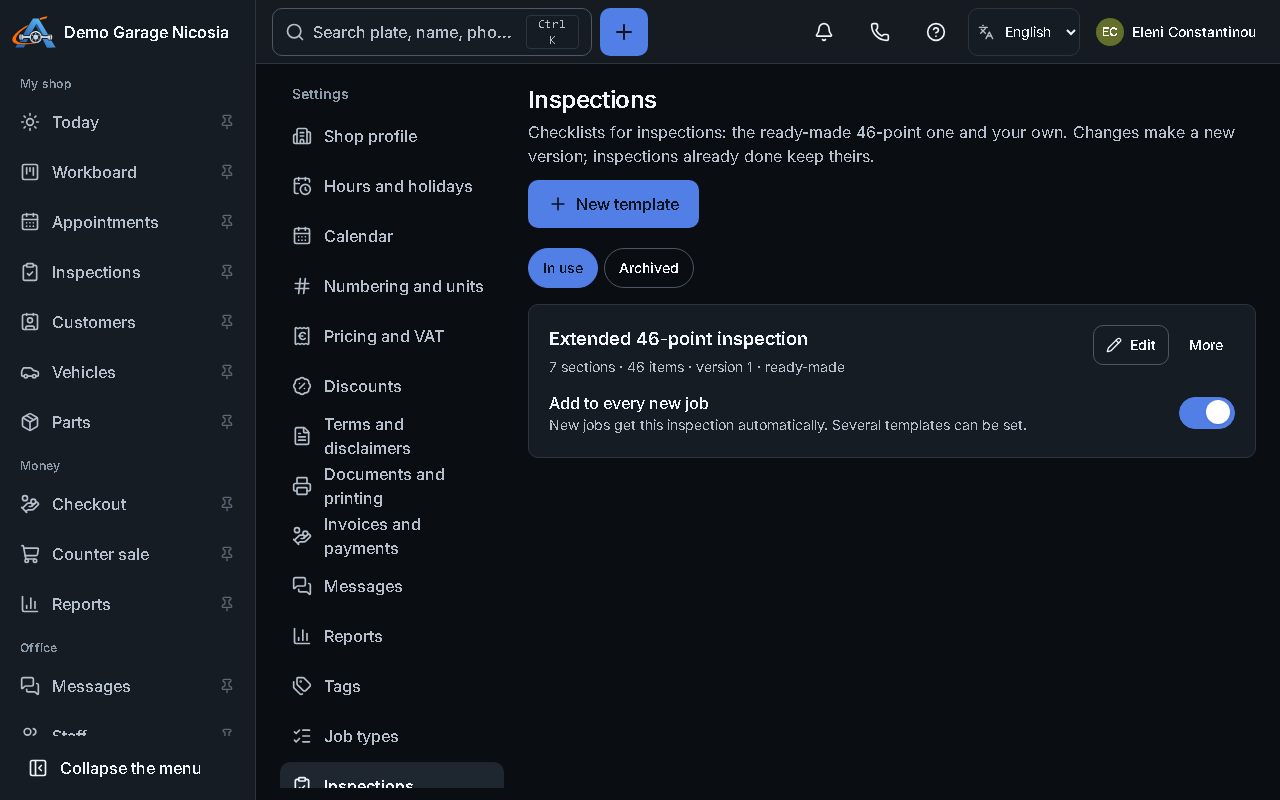
Section titled “How to do it”- Open Settings → Inspections.
- Pick a ready-made template, for example the full vehicle check, and press Use this template.
- Open your copy to rename items, add your own, or remove what you never check.
- For measurements (tread depth, brake pads), set the unit and when a result needs attention or fails.
- Press Save. New inspections use the new version.