

Your shop's details
Your shop’s details are printed on every document and shown in messages to customers. Fill them in before you issue your first invoice.
How to do it
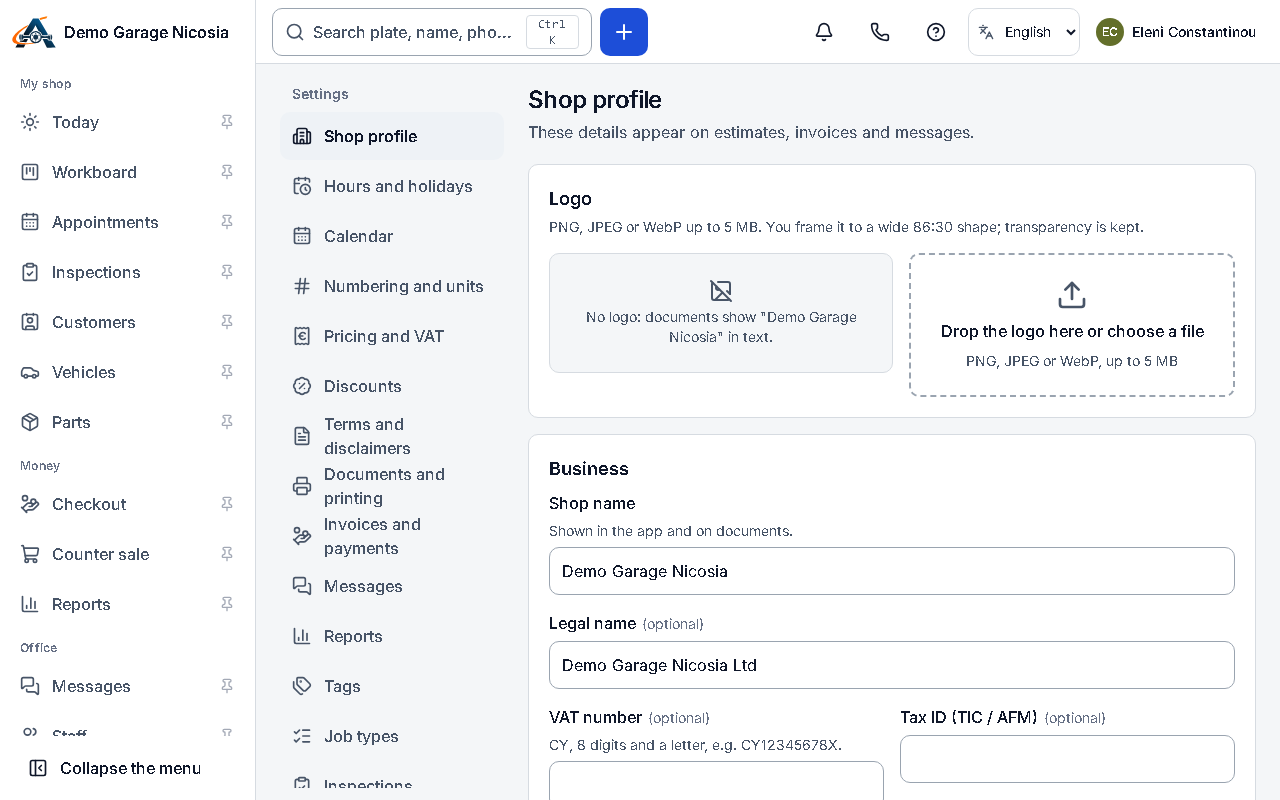
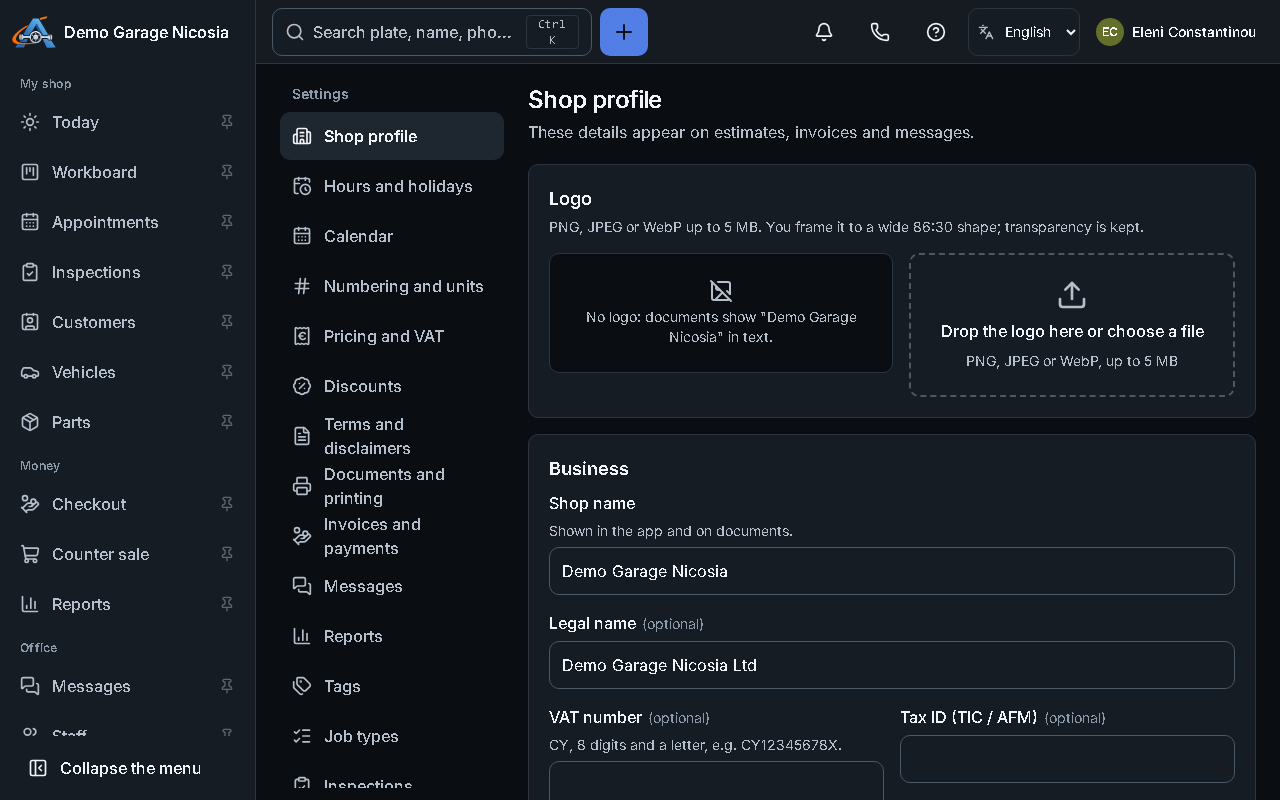
Section titled “How to do it”- Open Settings → Shop profile.
- Enter the legal name, the trading name, the address, the phone and the e-mail customers should use.
- Enter your VAT number and tax registration (Cyprus: TIC; Greece: AFM).
- Add your logo: drop an image on the box and crop it.
- Press Save. New documents use the new details; documents already issued stay as they were.
Good to know
Section titled “Good to know”- A document is never changed after it is issued: that is the law for invoices and receipts.