

Tell the customer the car is ready
The “car ready” message includes the amount to pay and your opening hours, so the customer knows when to come.
How to do it
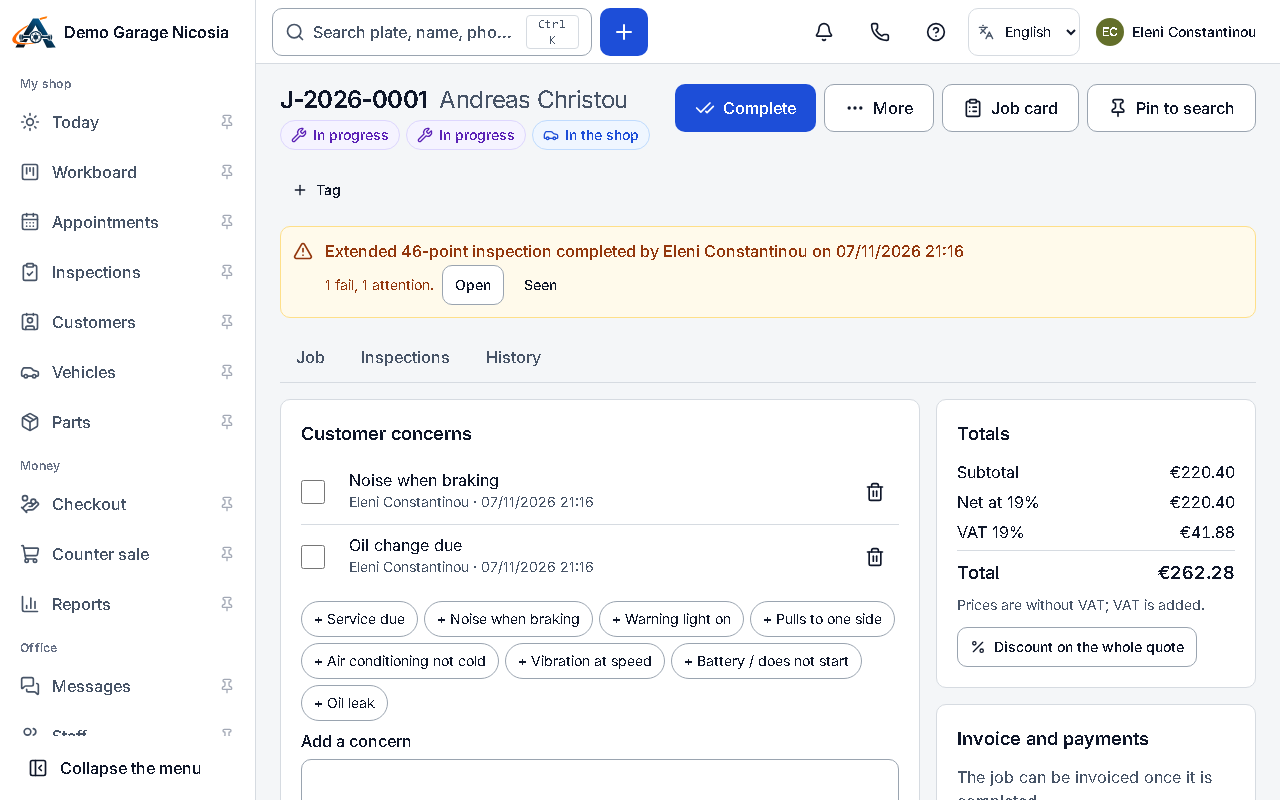
Section titled “How to do it”- When the work is done, open the job and press Car ready.
- Check the message: it says the amount due (or that nothing is to pay) and when you are open.
- Press Send. The job shows the car as waiting for collection.
After you send it
Section titled “After you send it”The job shows how the message is doing:
- Sending…: the message is on its way.
- Sent 13:05, waiting for delivery confirmation: the SMS has gone out, but its delivery isn’t confirmed yet. You can send it again if you need to.
- Car ready sent 13:05: the SMS was delivered, or the e-mail was sent.
- Not delivered: with the reason, and a button to send it by e-mail instead.
If you send it by SMS and e-mail together, the job counts it as sent when either one goes through. If the other fails, the job says so under it, for example SMS not delivered.