

Customer data requests (GDPR)
Under the GDPR a customer can ask for a copy of their data and ask you to erase it. Both are on the customer’s Privacy tab. You have one month to answer.
How to do it
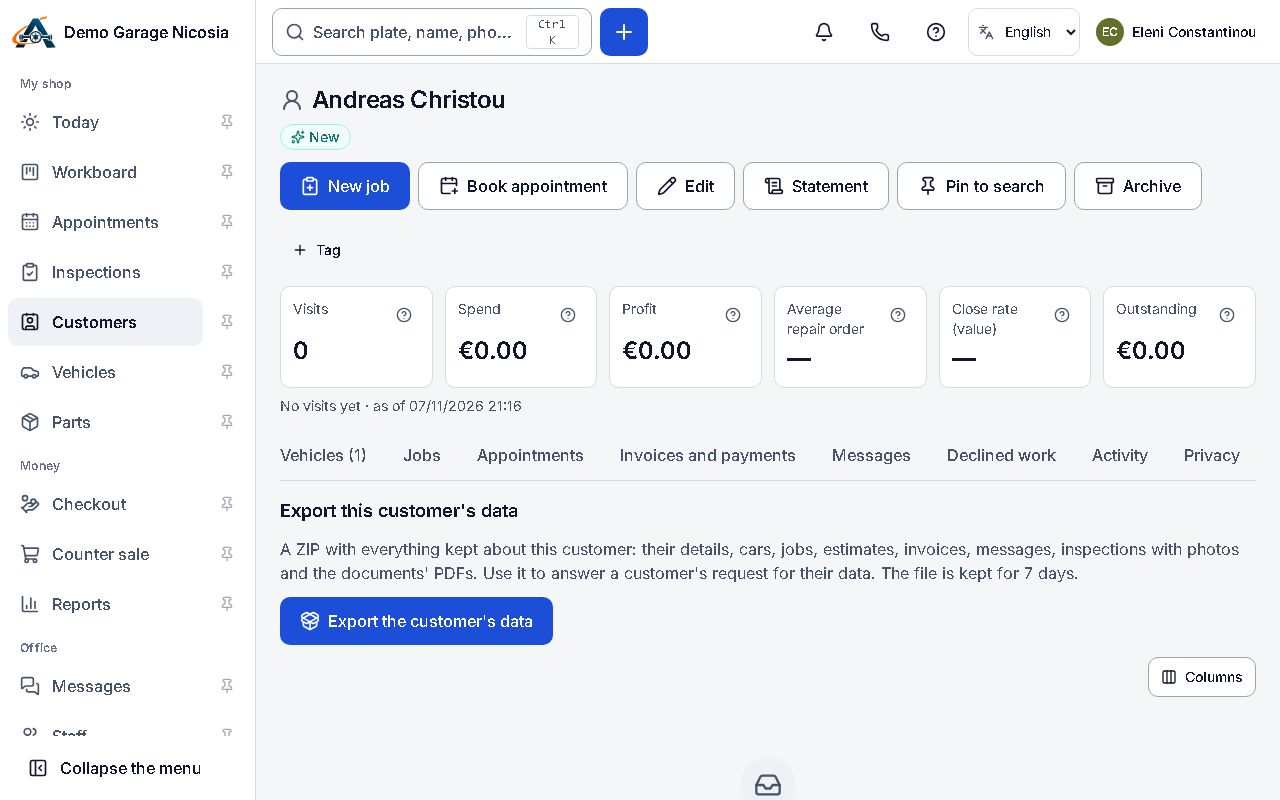
Section titled “How to do it”- Open the customer and the Privacy tab.
- To give them their data: press Export the customer’s data. When the ZIP is ready, download it and send it to the customer securely.
- To show their consent choices: the consent history lists every choice with when and how it was recorded; Download CSV gives a copy.
- To erase: press Erase personal data…. If something blocks it (an open job, a future appointment, money owed), finish that first.
- Choose the reason, the date of the request, type the customer’s name to confirm, and press Erase personal data.
Good to know
Section titled “Good to know”- Erasure removes names, phones, e-mails, addresses, notes and photos everywhere. Invoices, receipts and credit notes are kept as issued, because tax law requires it.
- Erasure cannot be undone. Only the owner can erase.