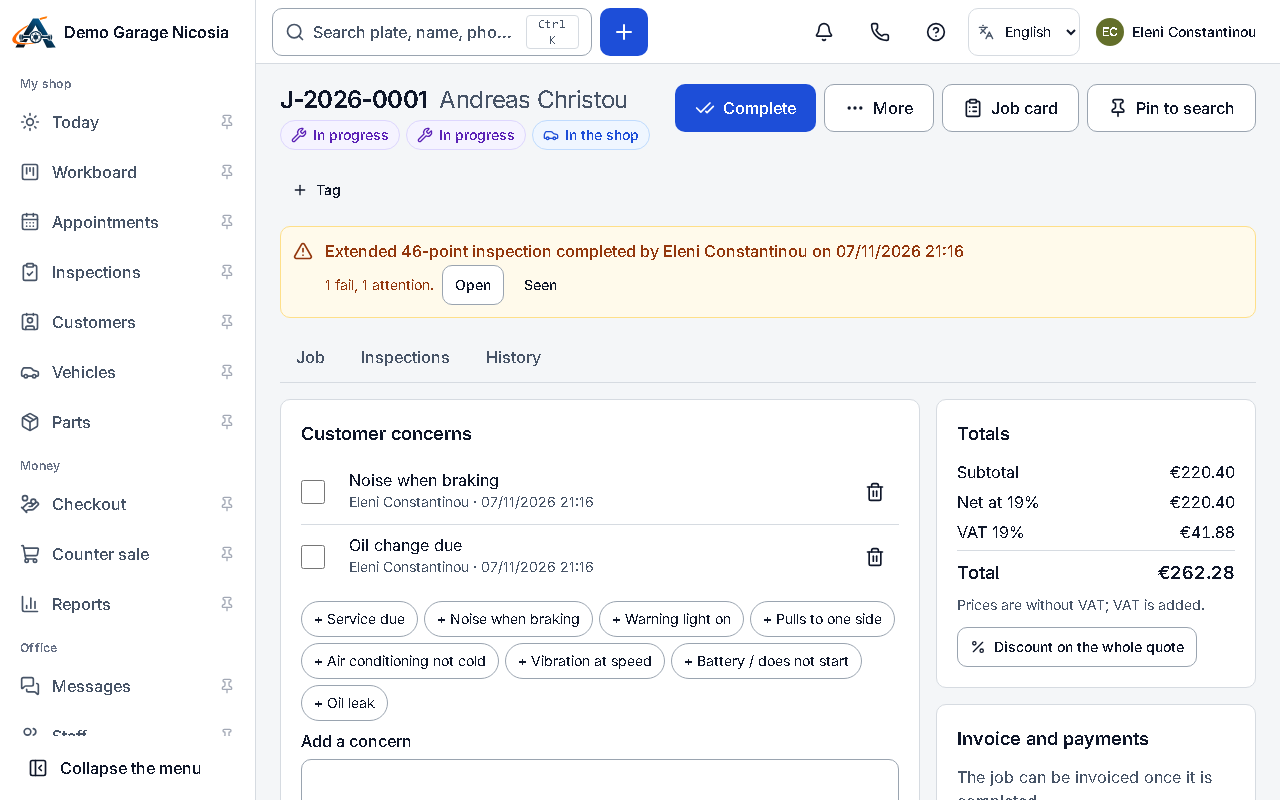

Create a job and print the job card
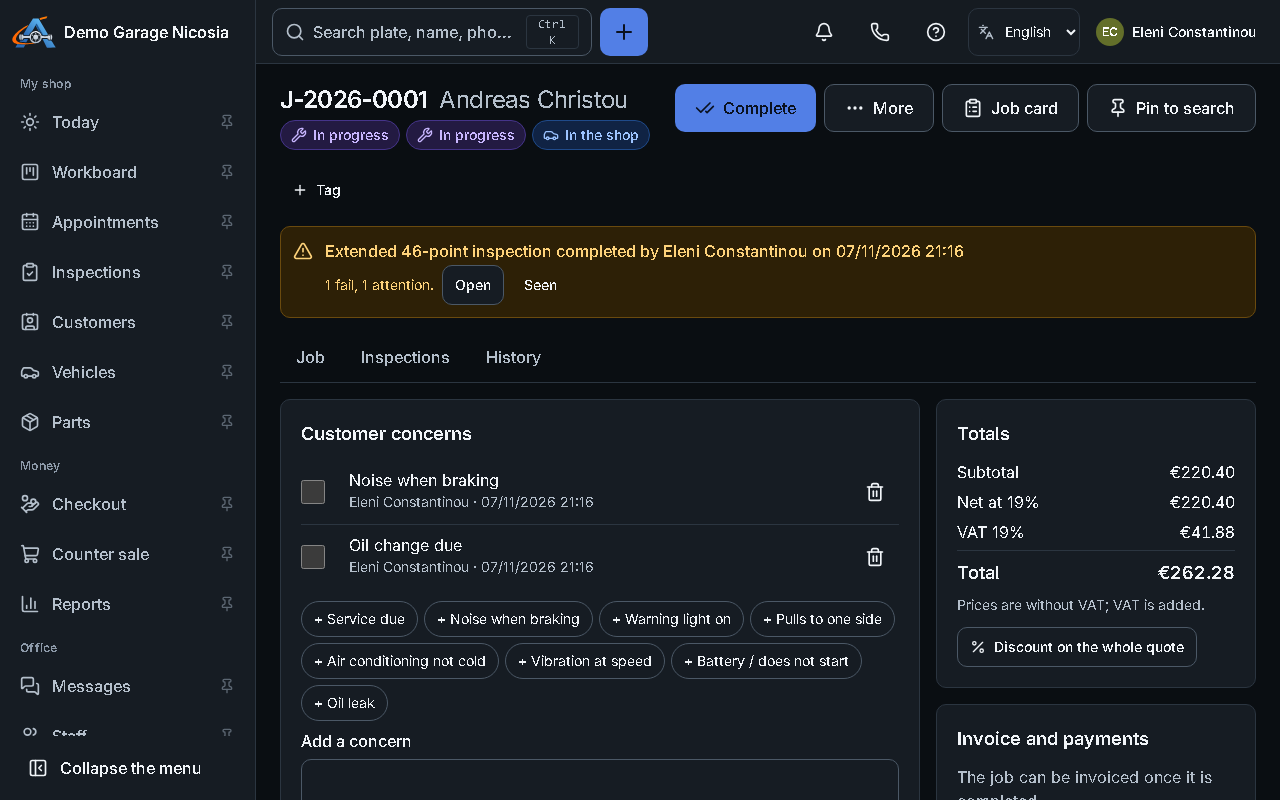
A job holds everything about one visit: the concerns, the work, the parts, the estimate and the invoice.
How to do it
Section titled “How to do it”- Press + and choose Job, or open the car and press New job.
- Choose the customer and the car, enter the odometer and write the customer’s concerns in their own words.
- Add the work you plan (labour and parts) or leave it for after the inspection.
- Press Print job card. The card has the concerns, the work and a space for the mechanic’s notes.