

Export all your data
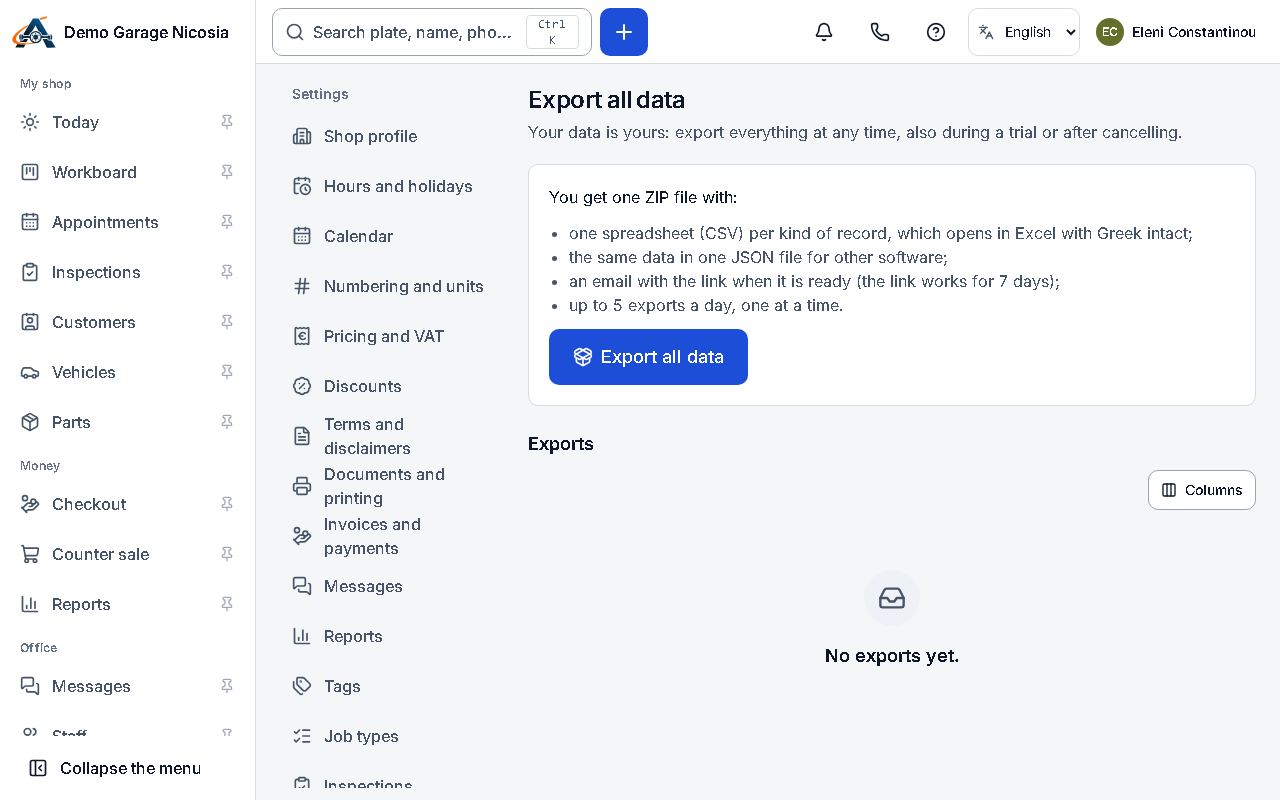
The full export is a ZIP with every table as a spreadsheet (Greek letters intact) and a JSON file. It works even if your shop is read-only.
How to do it
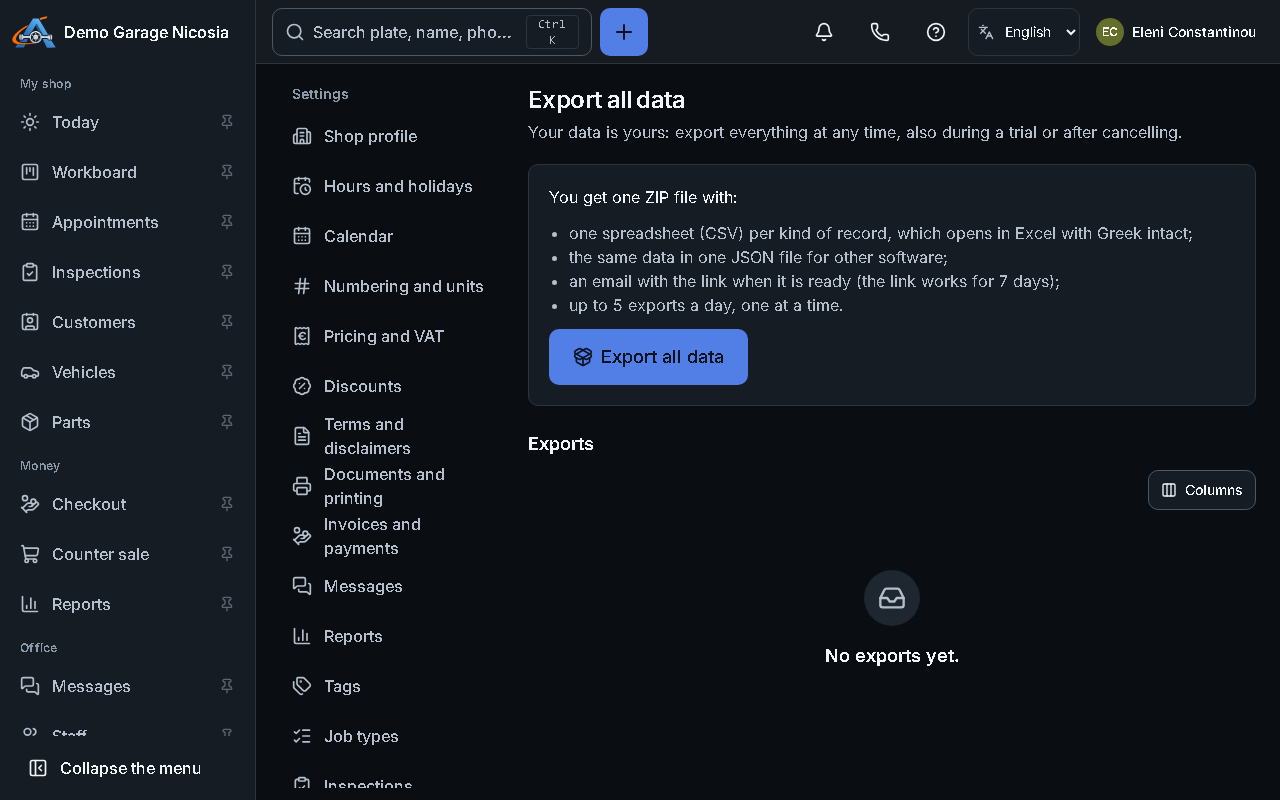
Section titled “How to do it”- Open Settings → Export all data.
- Press Export my data. Preparing it takes a few minutes; you also get an e-mail when it is ready.
- Press Download. Each link works for 7 days.
Good to know
Section titled “Good to know”- To answer one customer’s request for their data, use the customer’s Privacy tab instead (see the next guide).