
Import your customers and cars
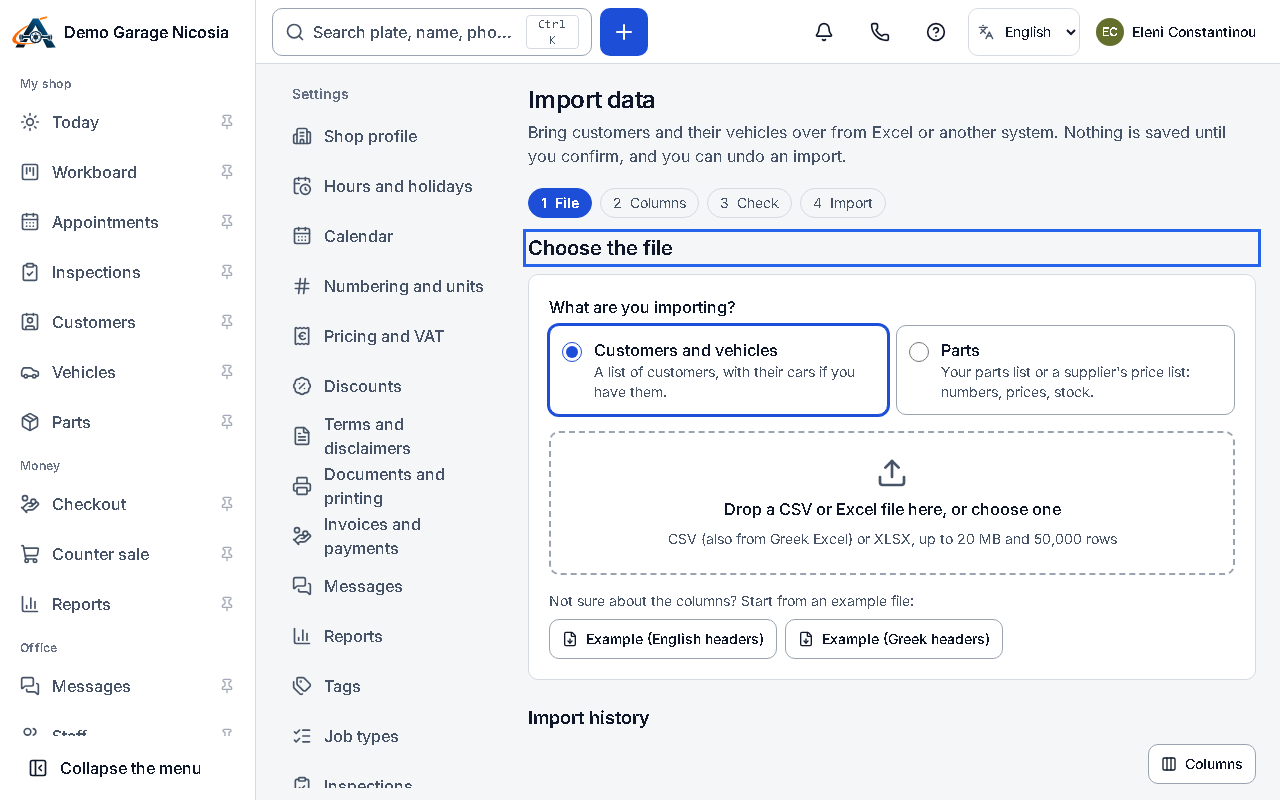
You can import customers and their cars from a CSV or Excel file. You see every row before anything is saved, and an import can be undone.
How to do it
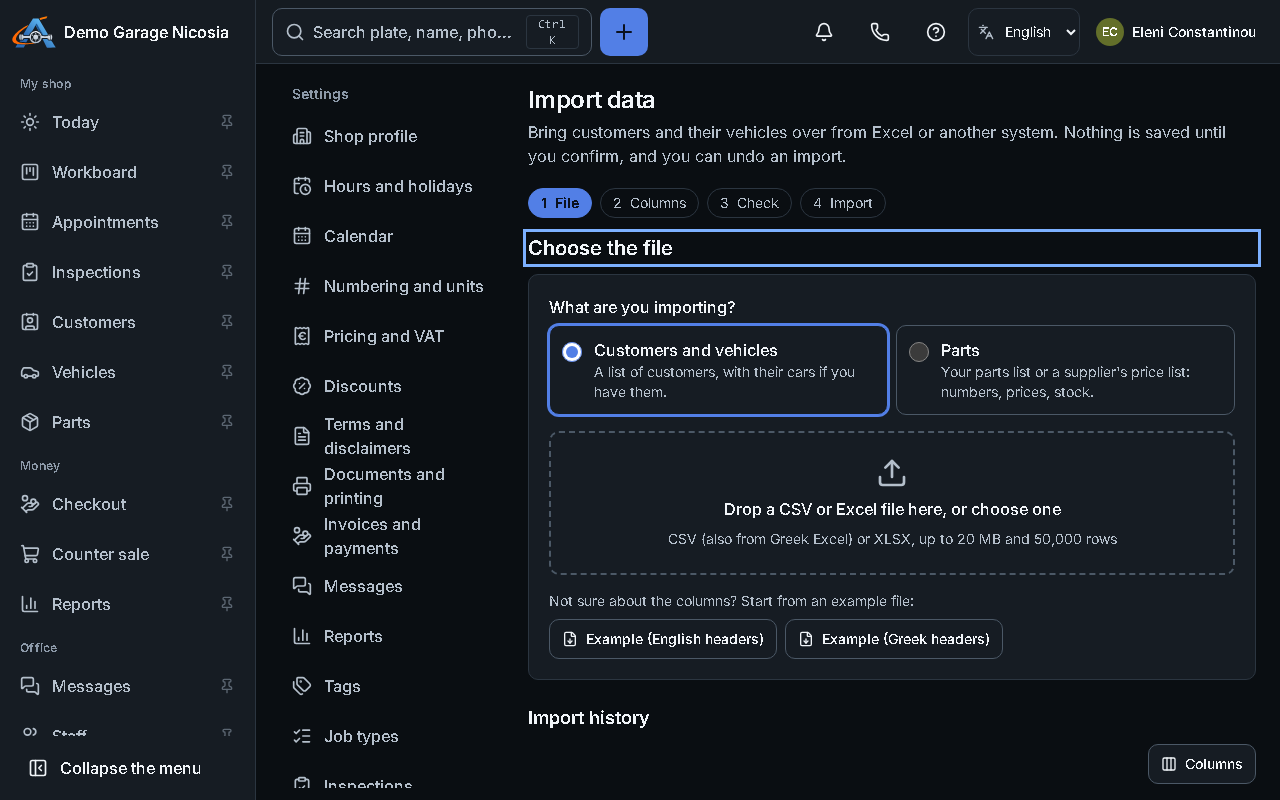
Section titled “How to do it”- Open Settings → Import data and drop your file.
- Match your columns to the app’s fields (name, phone, e-mail, plate, make, model…). The app suggests a match.
- Check the preview: rows with problems are marked, and possible duplicates are shown next to the customer you already have.
- Press Import. When it finishes, the summary shows what was created and updated.
- Something wrong? Press Undo this import within 30 days.