
Estimates and customer approval
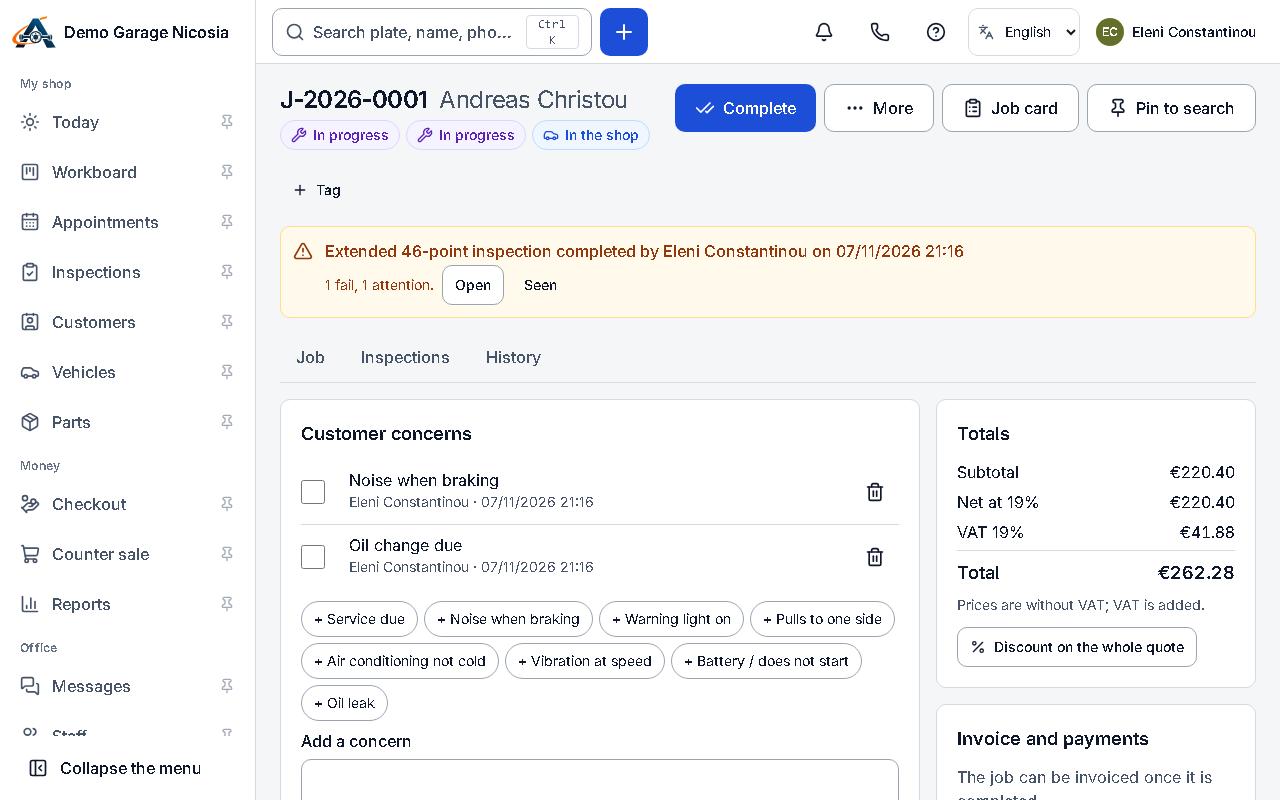
An estimate lists the labour and parts with prices. Send it as a link: the customer approves or declines each item from their phone.
How to do it
Section titled “How to do it”- On the job, add labour lines and parts with their prices; discounts and VAT are worked out for you.
- Press Send estimate and choose SMS or e-mail. The customer gets a link to the estimate.
- The job shows each answer as it arrives: approved items are ready to work on.
- Declined items stay on the customer’s record so you can offer them again next visit.