
Digital inspections and photos
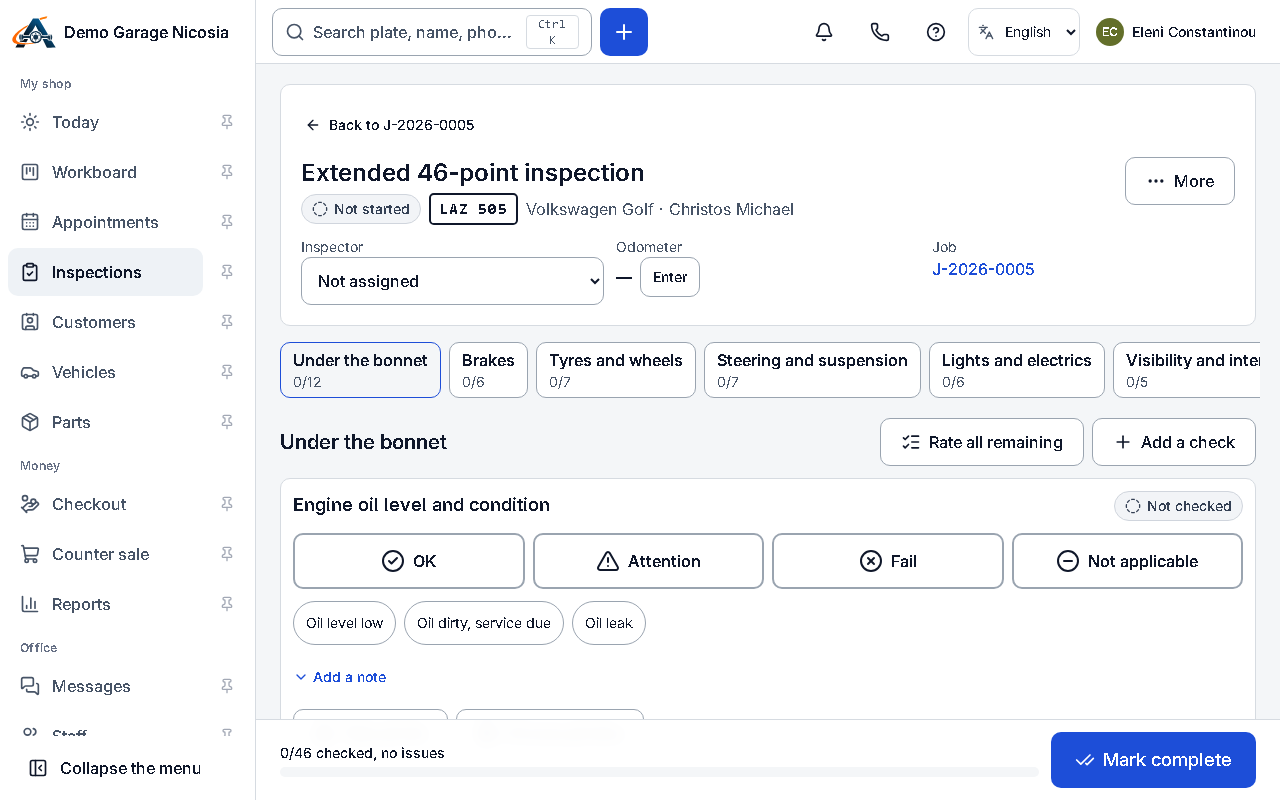
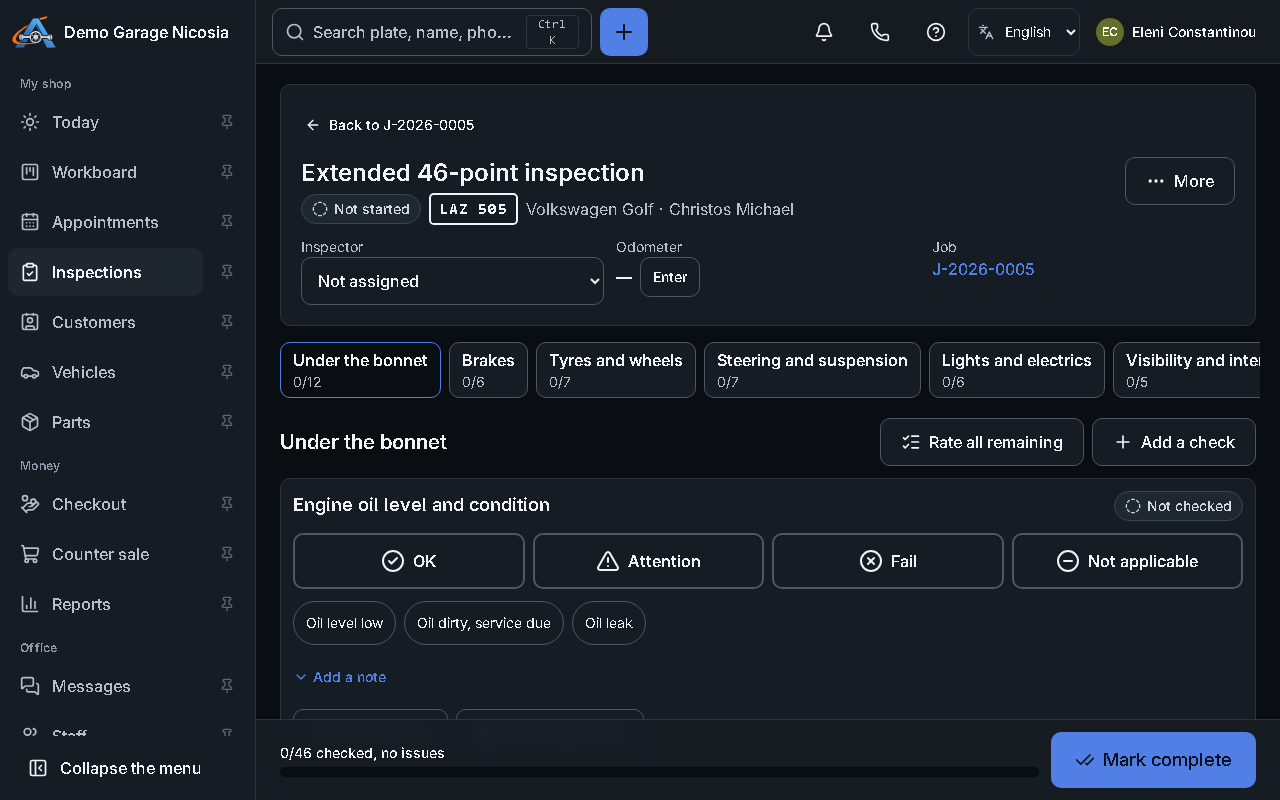
The mechanic goes through the checklist on a phone or tablet, rates each point, adds measurements and photos, and the customer gets a clear report.
How to do it
Section titled “How to do it”- On the job, press Start inspection and choose the checklist.
- For each point, choose good, attention or fail; add a measurement or a note where needed.
- Press the camera button to add photos; they upload in the background, even with a weak signal.
- Press Complete. Turn the points that need work into estimate lines and send the report with the estimate.