

Find a customer or a car
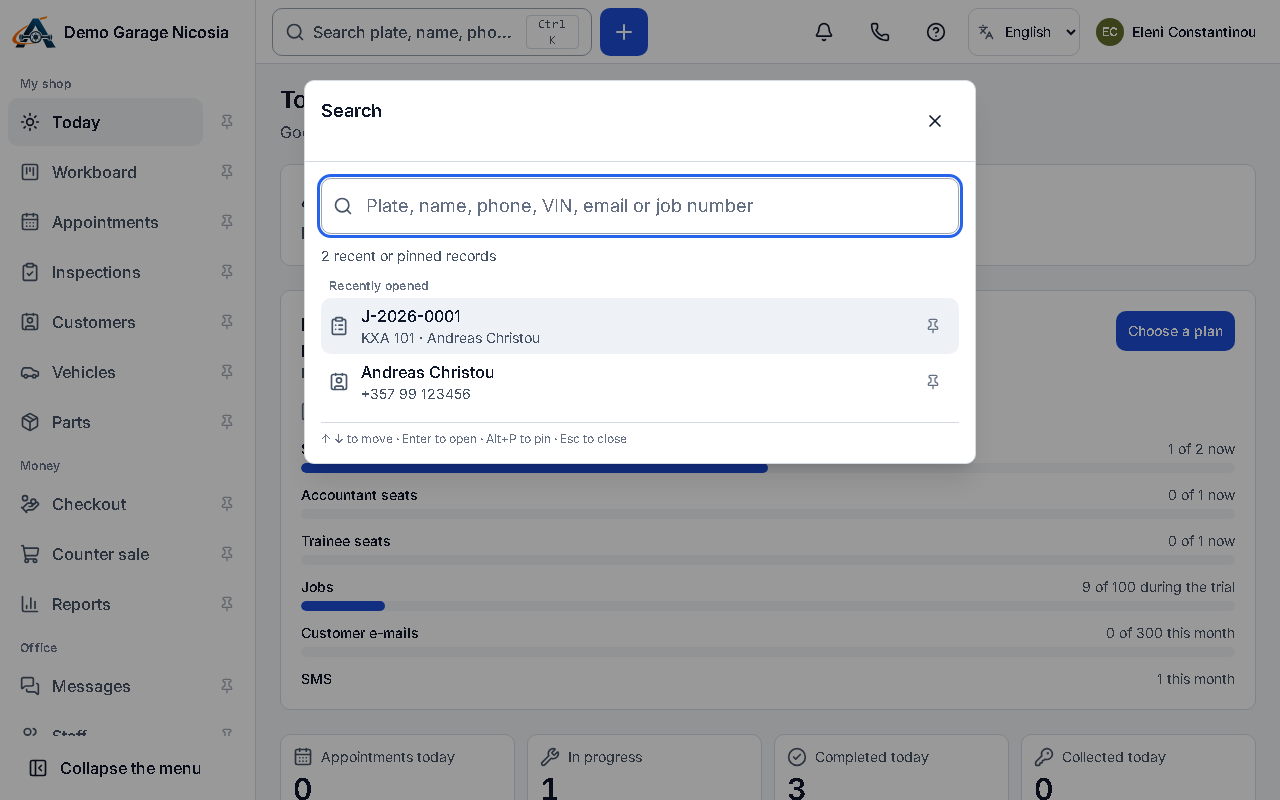
One search box finds customers, cars, jobs and invoices. Greek and Latin letters both work, and accents do not matter.
How to do it
Section titled “How to do it”- Press Ctrl+K (Mac: Cmd+K) or click the search box at the top.
- Type part of a name, the last digits of a phone, a plate (with or without the dash) or a job number.
- Use the arrow keys and Enter, or click a result, to open it.
Good to know
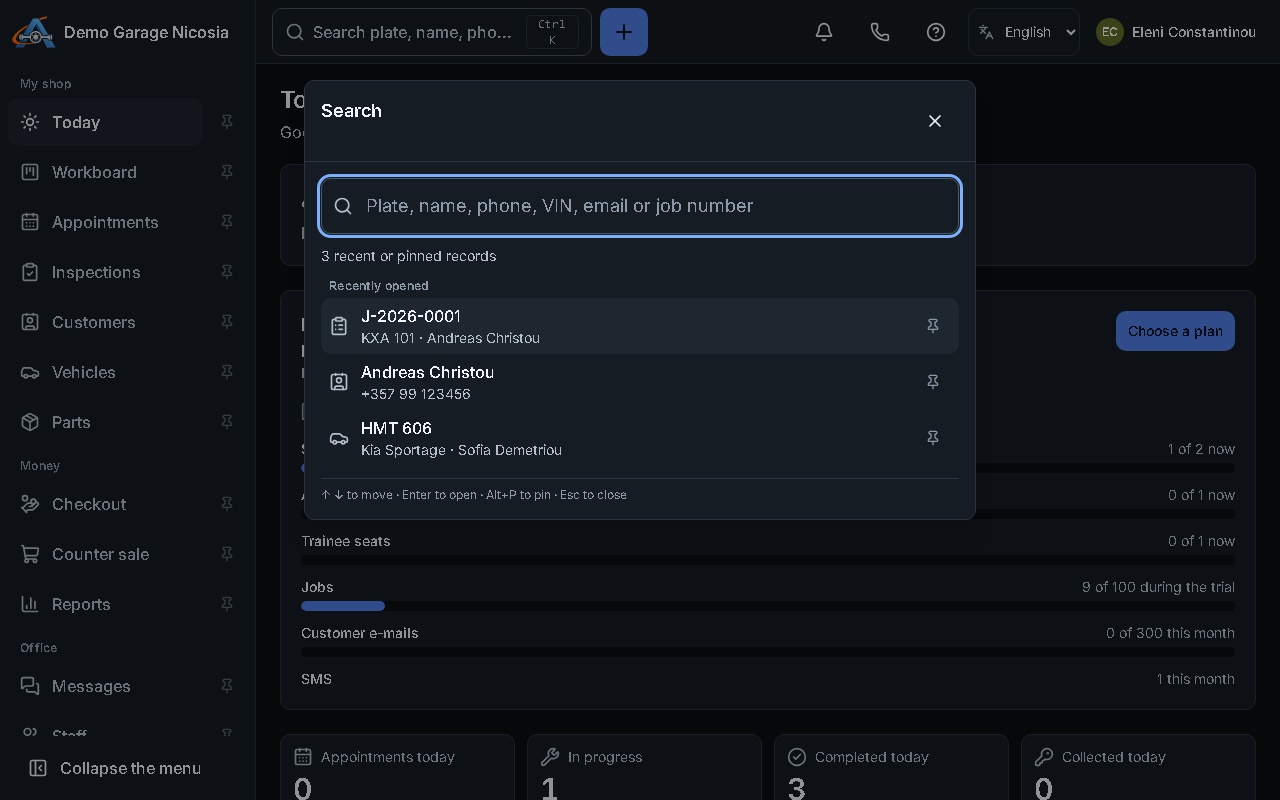
Section titled “Good to know”- Recently opened records appear before you type; pin the ones you open every day.