
Next-service reminders
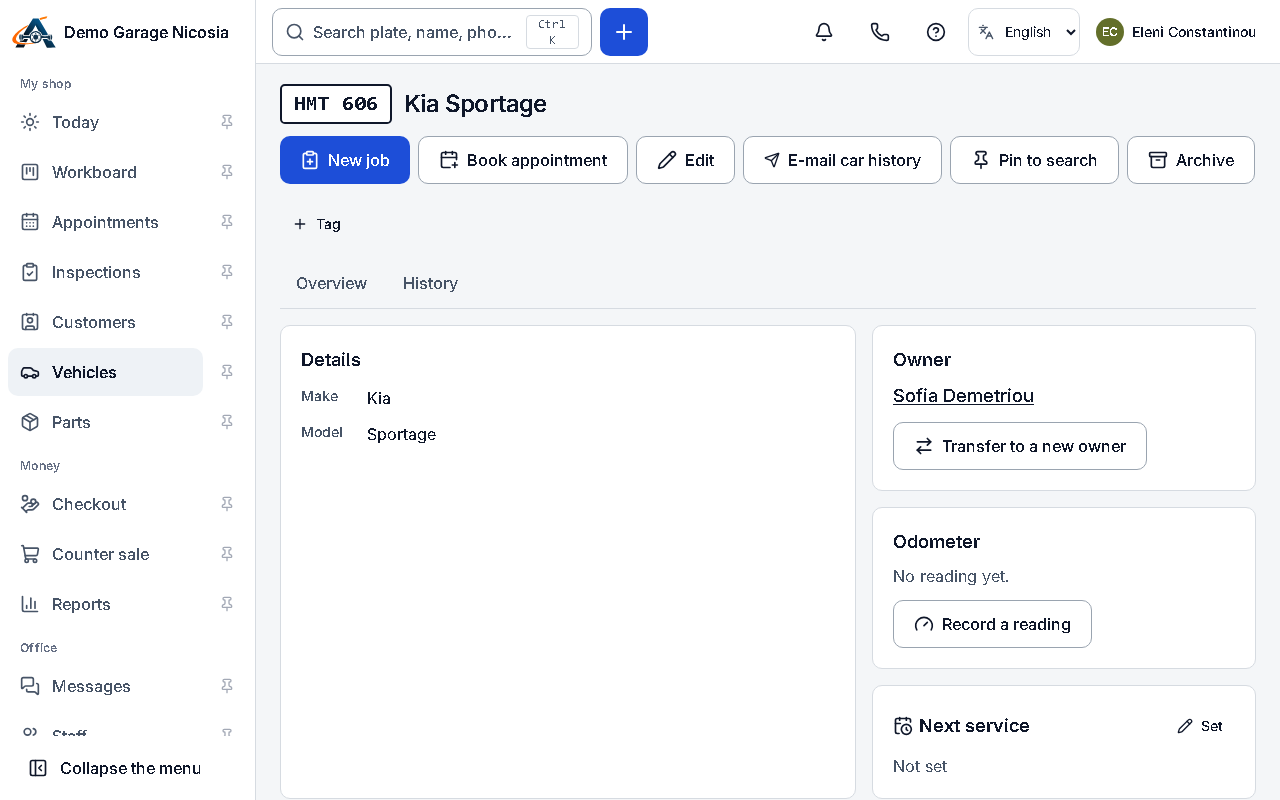
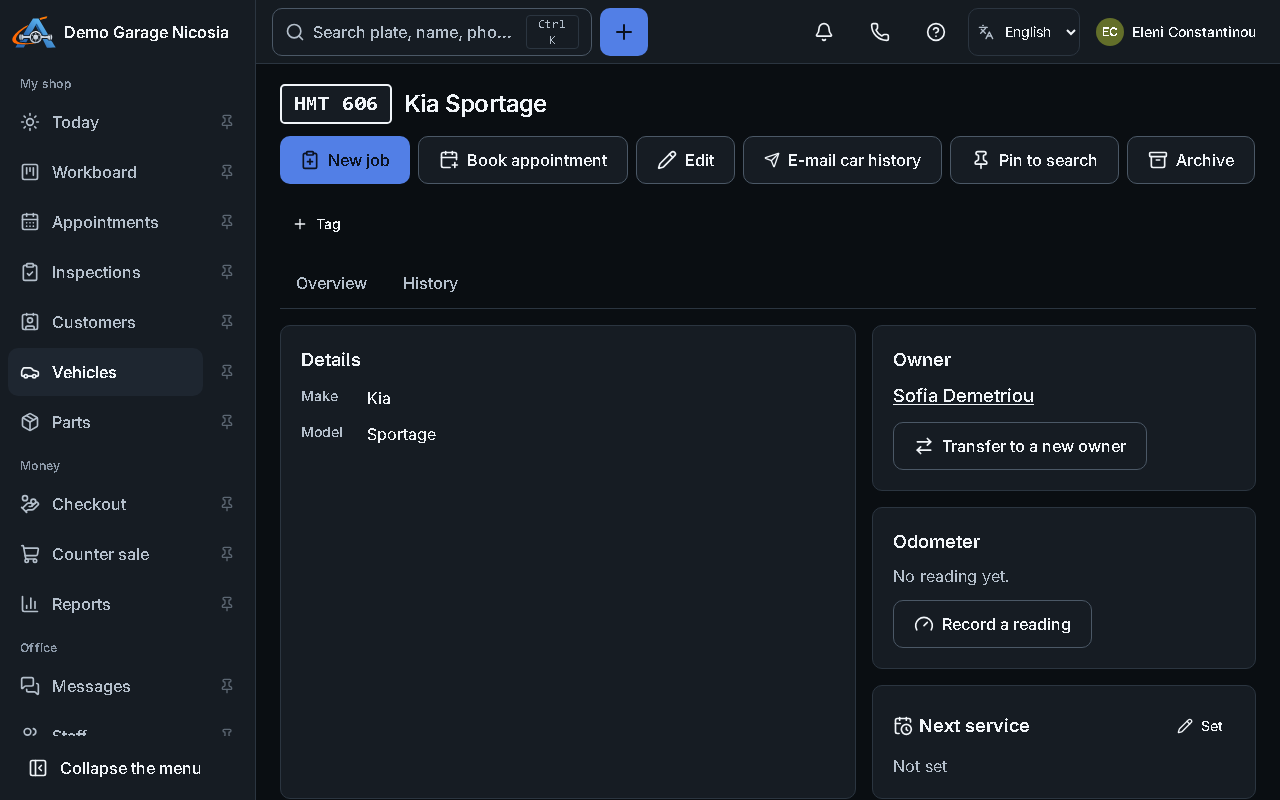
Set the next service on the car; the app sends the reminder at 10:00 shop time on the right day.
How to do it
Section titled “How to do it”- Open the car and press Next service.
- Enter a date, a distance, or both (whichever comes first).
- Choose when to remind (for example two weeks before) and press Save.
- Switch automatic reminders on or off in Settings → Messages.