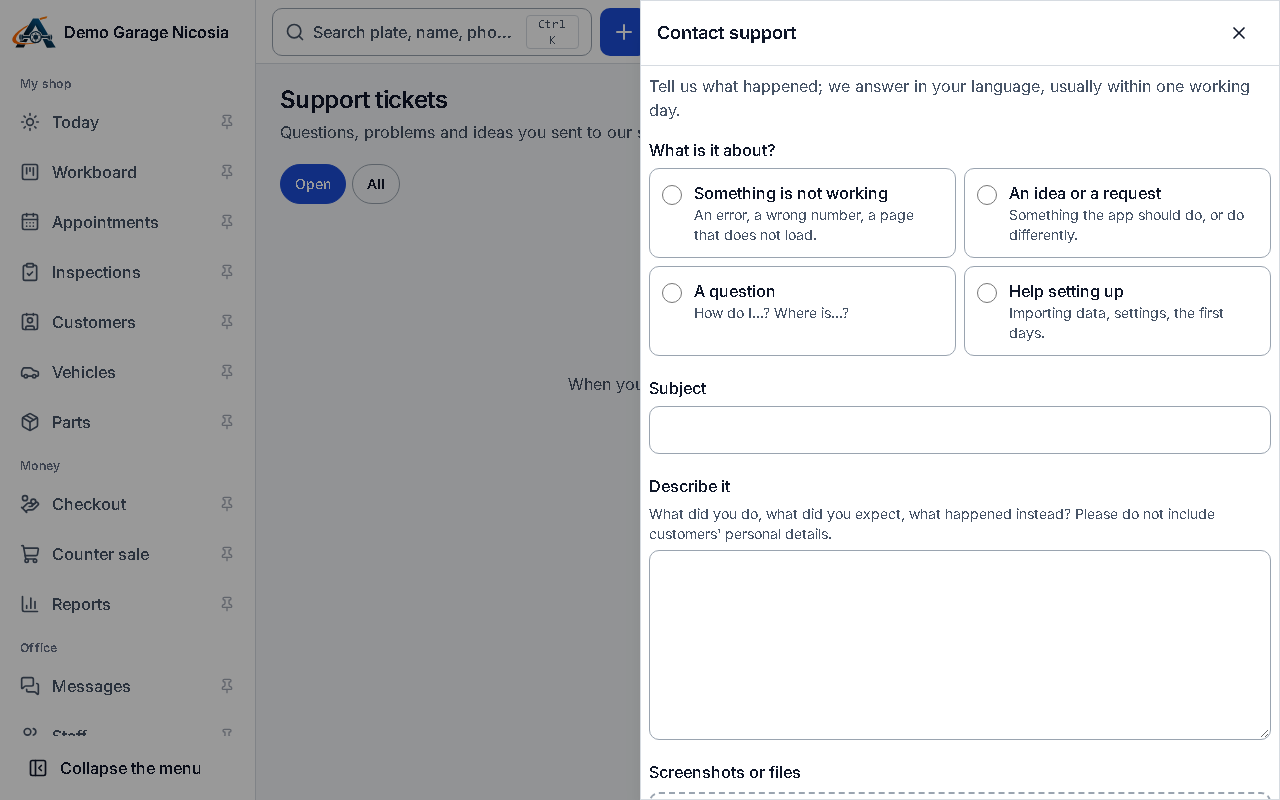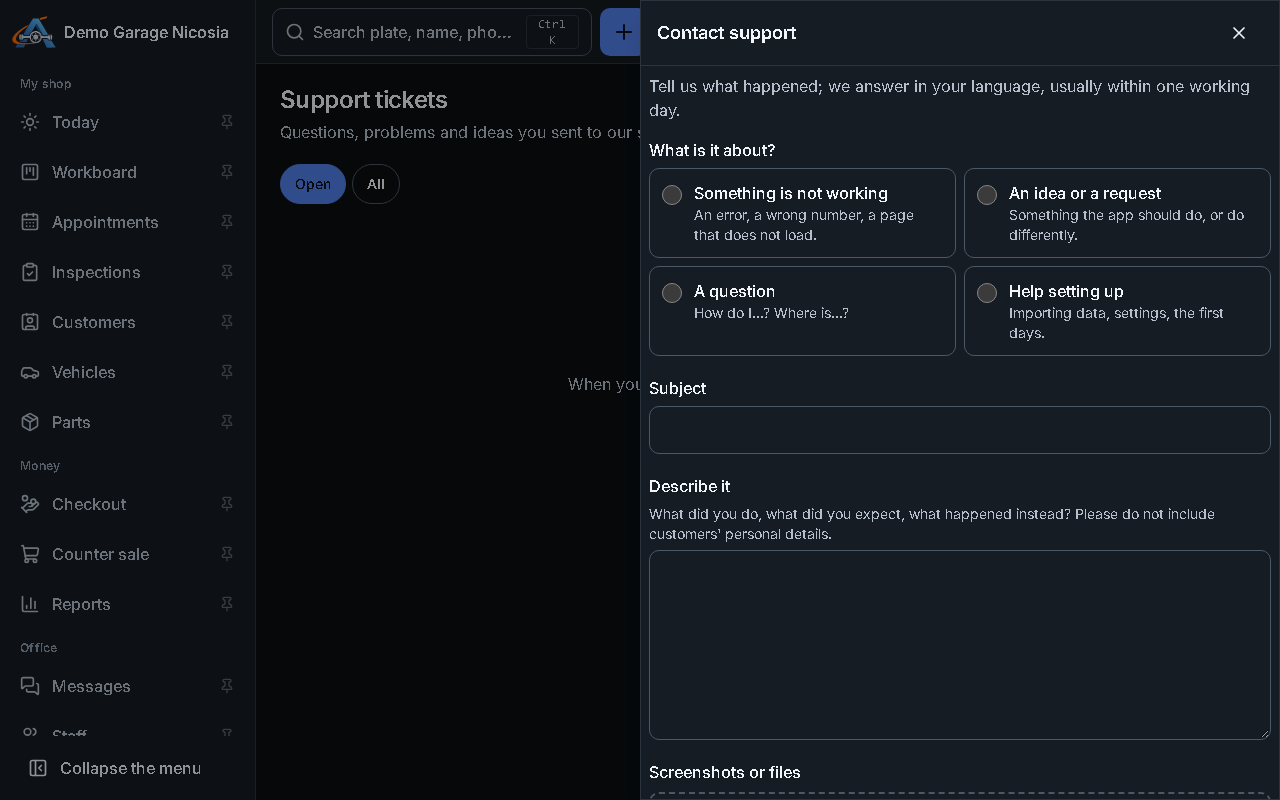

Contact support
You can reach our support team from any screen. The app adds what support needs to help (the page, the browser, the app version) — never your customers’ data.
How to do it
Section titled “How to do it”- Press the ? at the top, then Contact support. Or open the account menu and My support tickets.
- Choose what it is about, write a subject and describe what happened.
- Add screenshots or PDFs if they help (up to five).
- Press Send to support. You get the ticket number at once.
- The answer appears in the ticket, in the bell and by e-mail. Reply in the ticket, or press Mark solved when you are done.