
Reports and your accountant
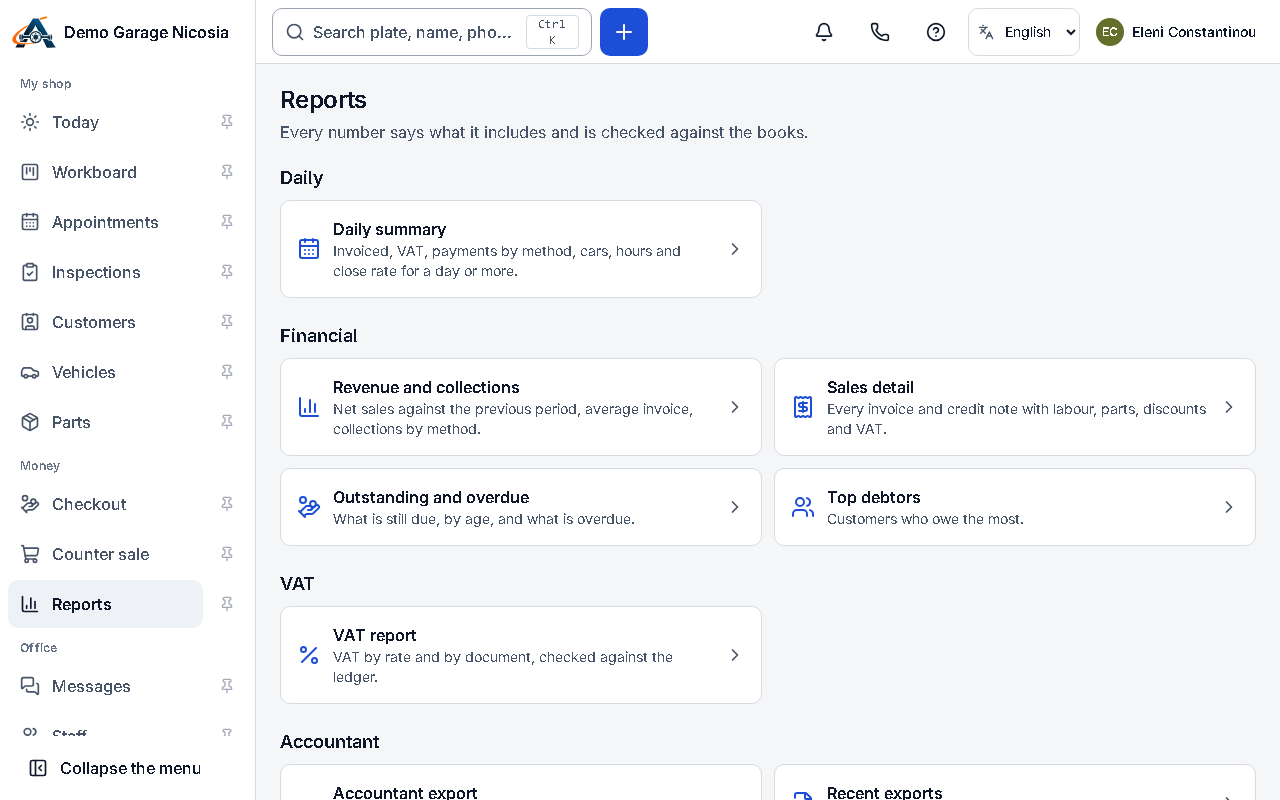
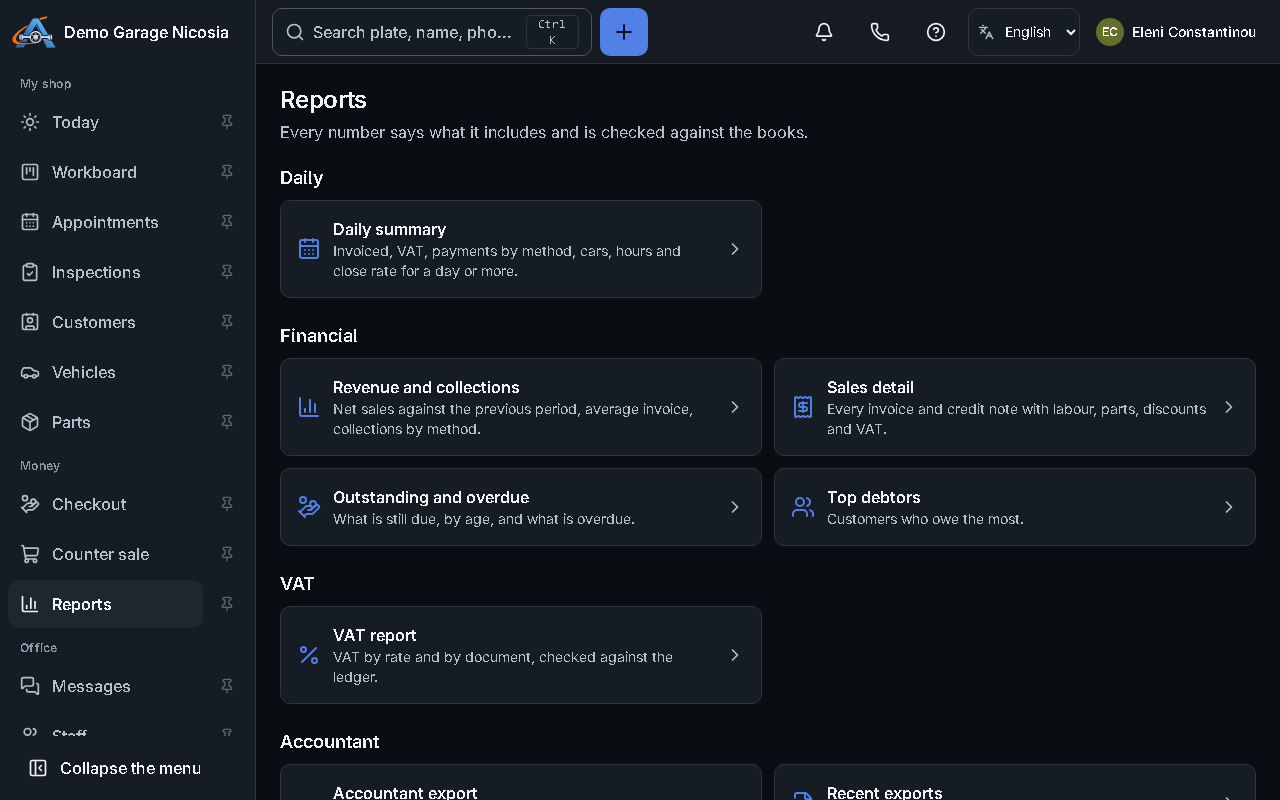
Reports show your numbers for any period. The accountant’s bundle puts invoices, credit notes, receipts and the VAT summary in one download.
How to do it
Section titled “How to do it”- Open Reports and choose a report: sales, VAT, payments, mechanics, parts or customers.
- Choose the period at the top; every number opens the documents behind it.
- Press Export for a spreadsheet, or Send to accountant to e-mail them a download link for the period.