

Add your team
Everyone signs in with their own account, so the app knows who did what. Roles decide what each person can see and change.
How to do it
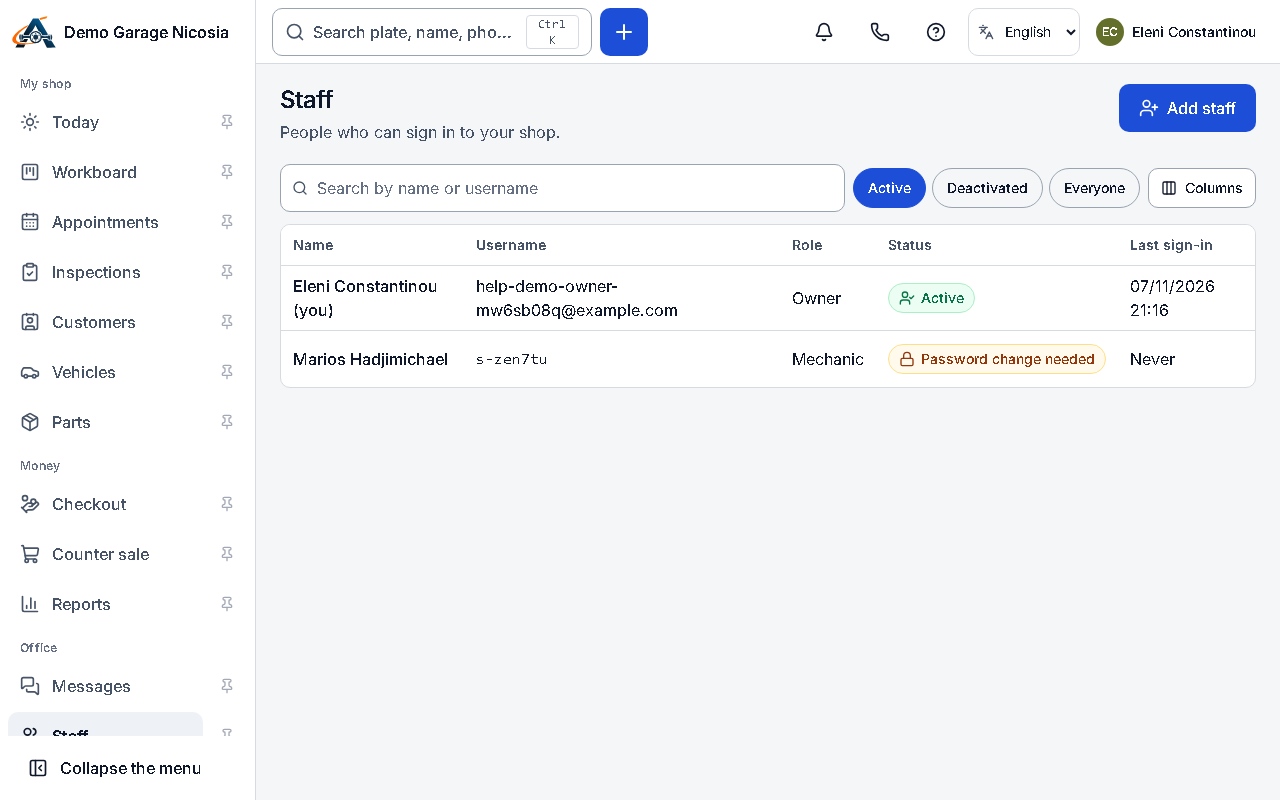
Section titled “How to do it”- Open Staff and press Add a person.
- Enter their name and choose a role: advisor, mechanic, parts manager, accountant, admin or trainee.
- Add an e-mail to send them an invitation, or let the app create a username and a one-time password for people without e-mail.
- Give the invitation or the one-time password to the person. At the first sign-in they choose their own password.
Good to know
Section titled “Good to know”- Mechanics do not see money unless you allow it in their role.
- When someone leaves, deactivate their account: their work stays in the history.