
Parts on a job
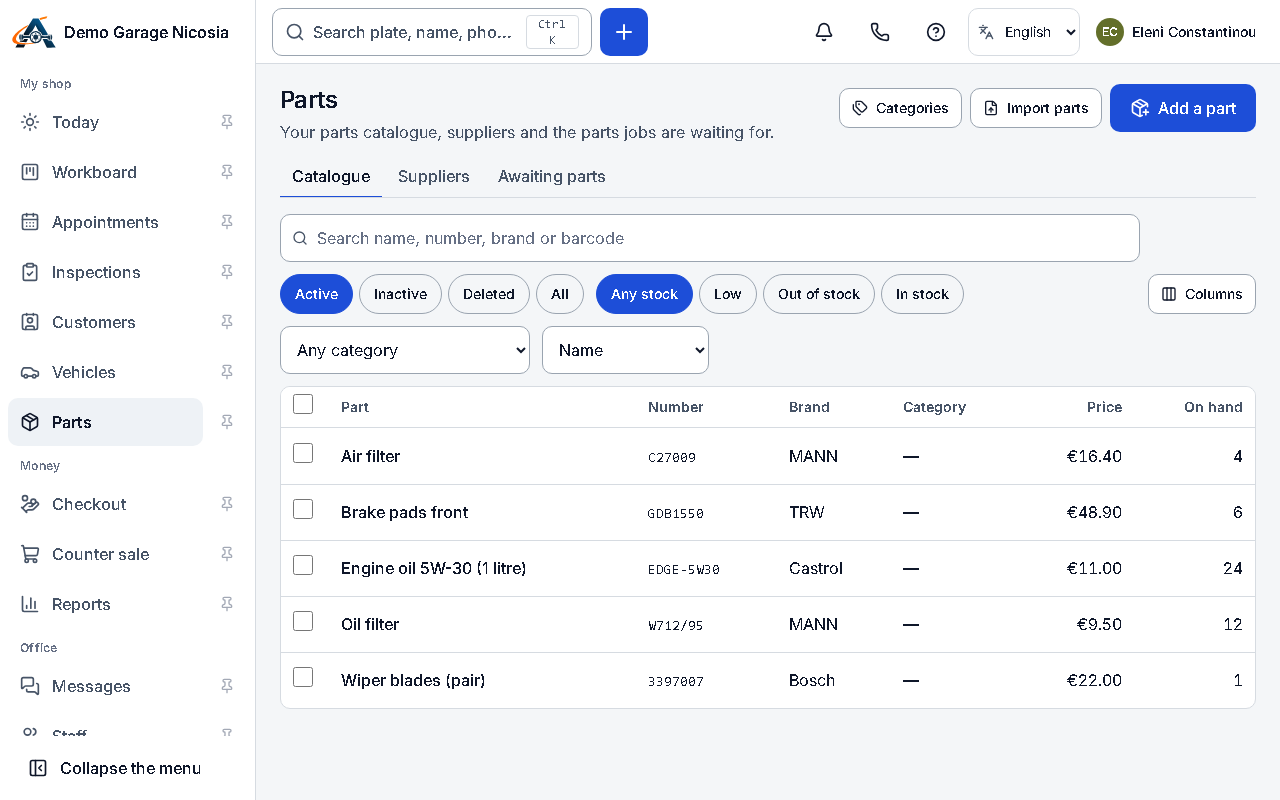
Parts come from your catalogue or are typed on the spot. You can mark them ordered and see the jobs waiting for parts.
How to do it
Section titled “How to do it”- On the job, press Add part, search your catalogue by name or part number, or type a new one.
- Set the quantity and the price; the margin is shown if you see money.
- Press Order to mark it ordered from a supplier; call them from FastDial (the phone icon at the top).
- When the part arrives, mark it received: the job and the advisor are notified.